ZAK TiviMate Features
Unlock the full potential of ZAK TiviMate with these powerful features:
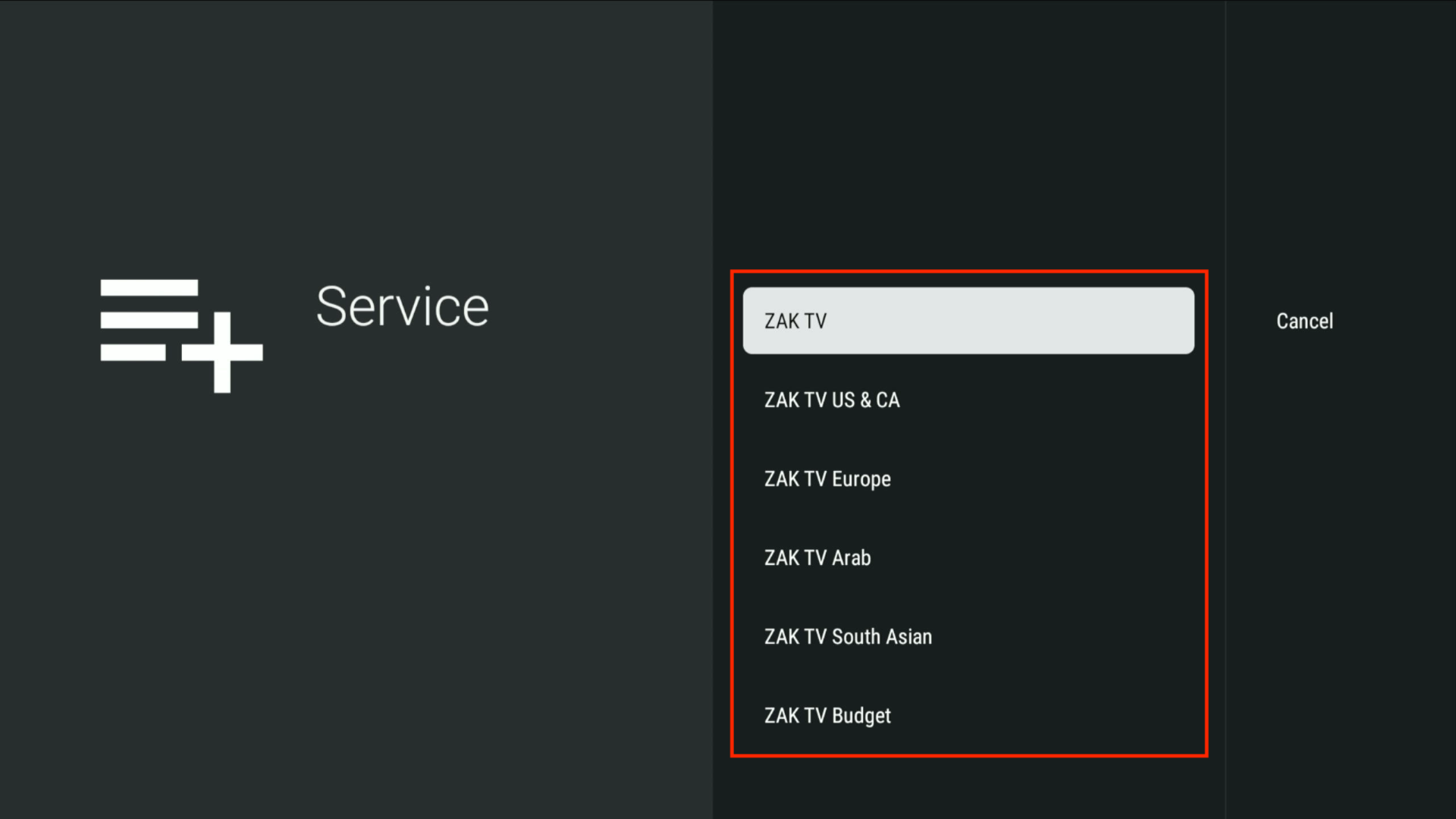
Support for Multiple Playlists
Easily manage and switch between multiple playlists provided by ZAK TV.
Favorites Management
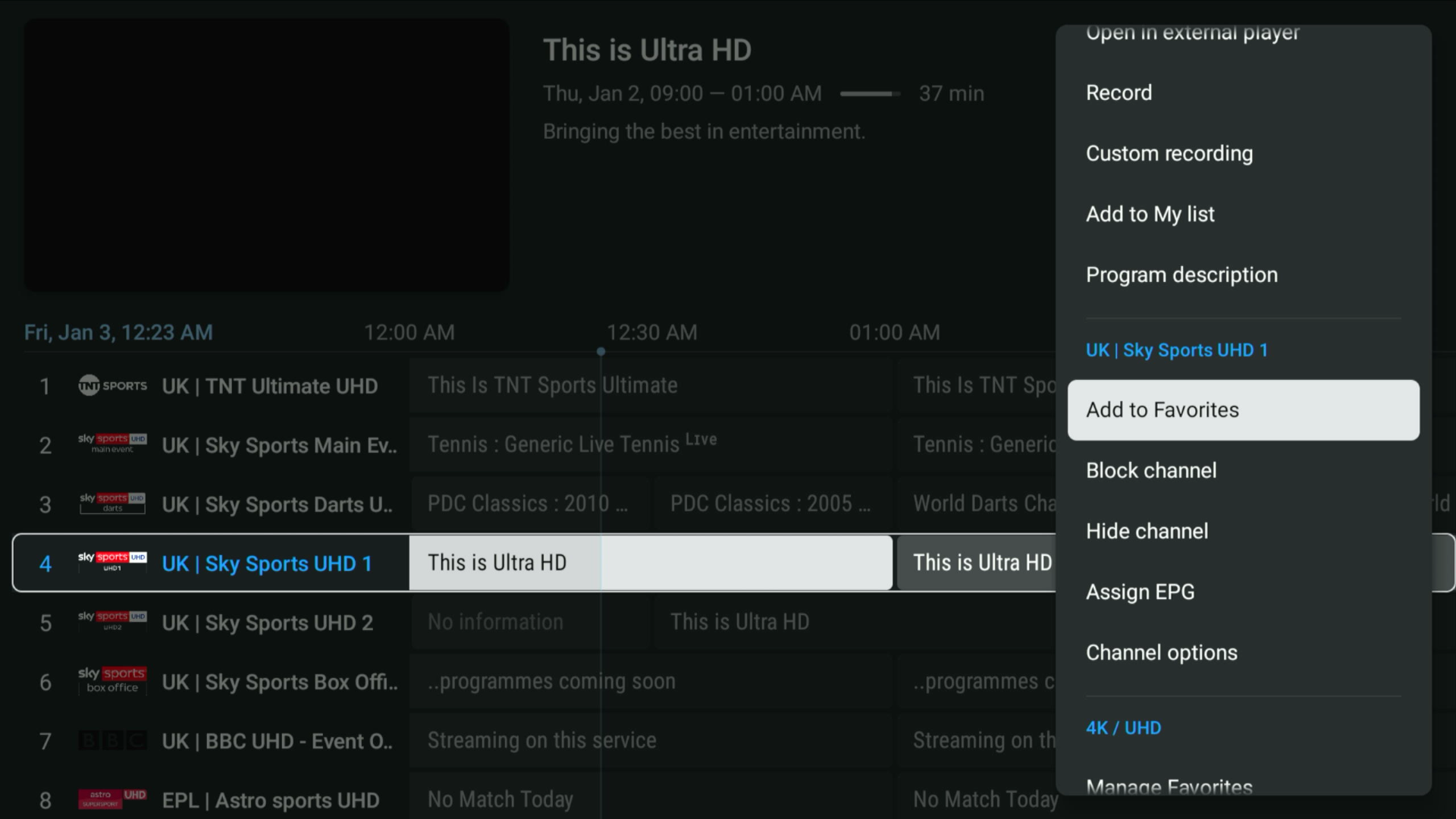
Personalize your viewing experience by organizing your favorite channels:
- Navigate to the desired channel.
- Hold the Select button on your remote.
- Scroll and click Add to Favorites.
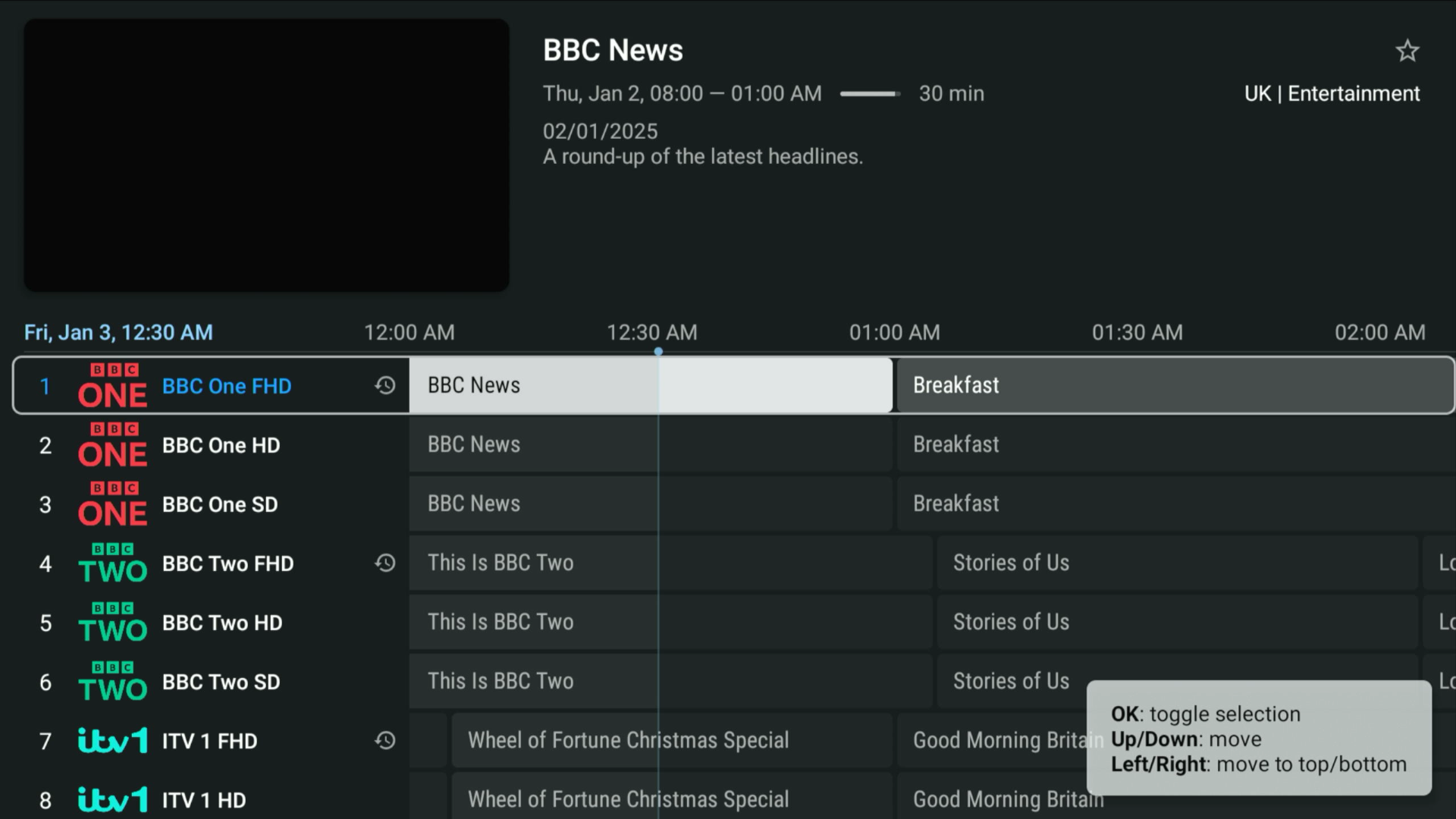
Catch-Up
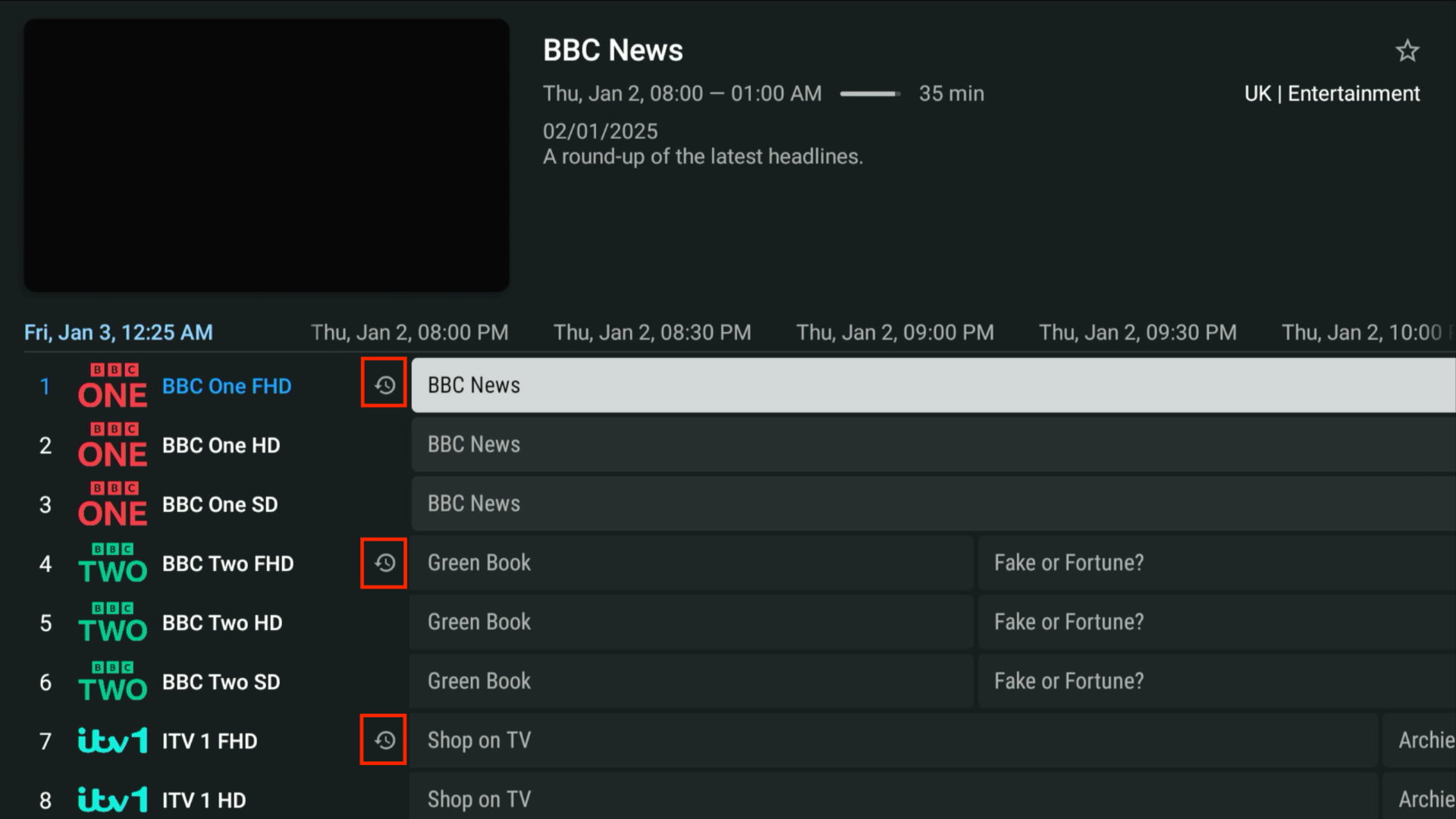
Revisit missed shows with the Catch-Up feature:
- Look for channels with the counter-clockwise symbol.
- Rewind Options:
- Up to 3 days for most channels.
- Up to 7 days for select channels.
- Select the program you'd like to watch, and enjoy the replay!
Manual Channel Sorting
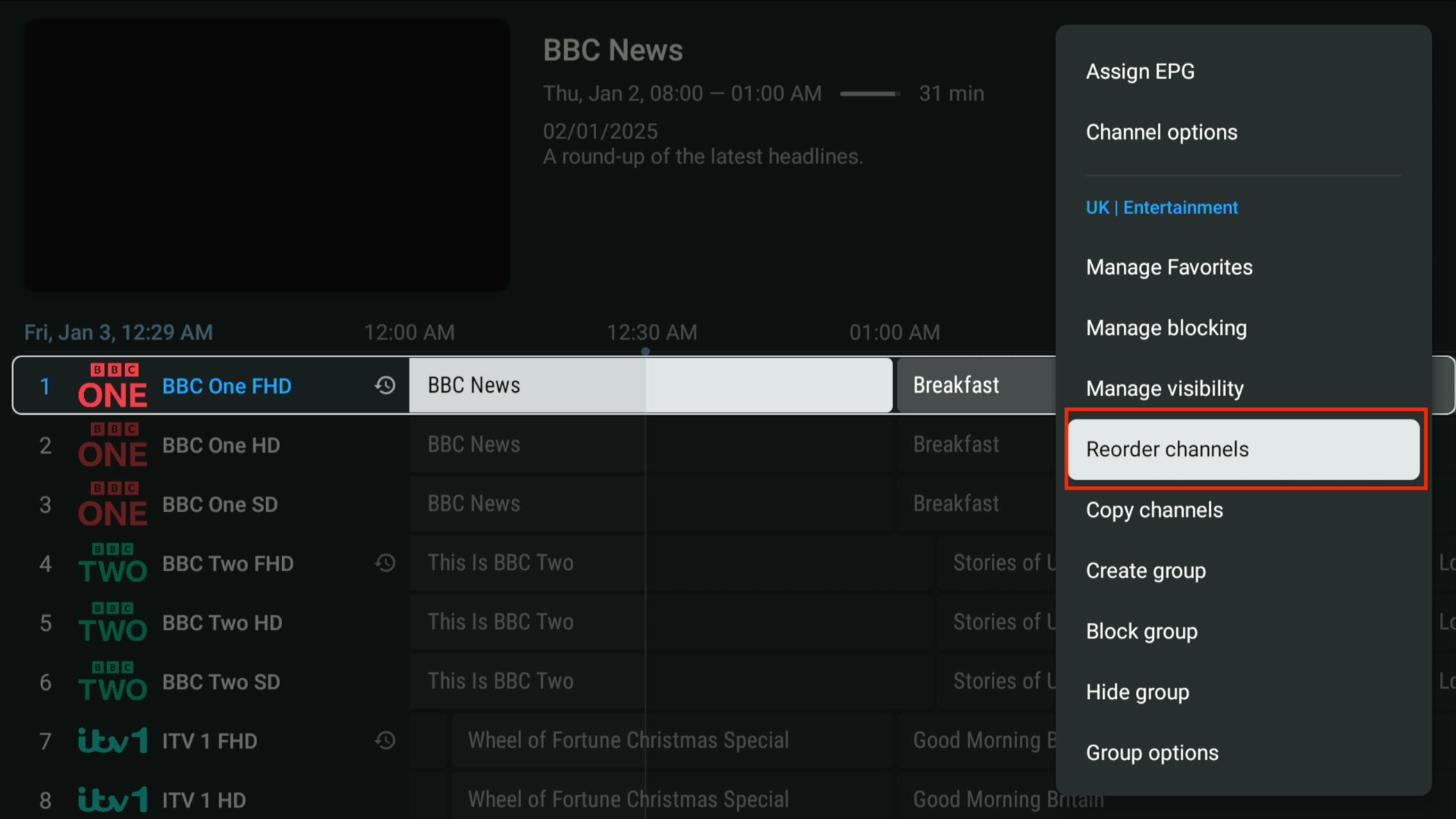
Organize channels according to your preference:
- Select any channel.
- Press and hold Select.
- Choose Reorder Channels from the options menu.
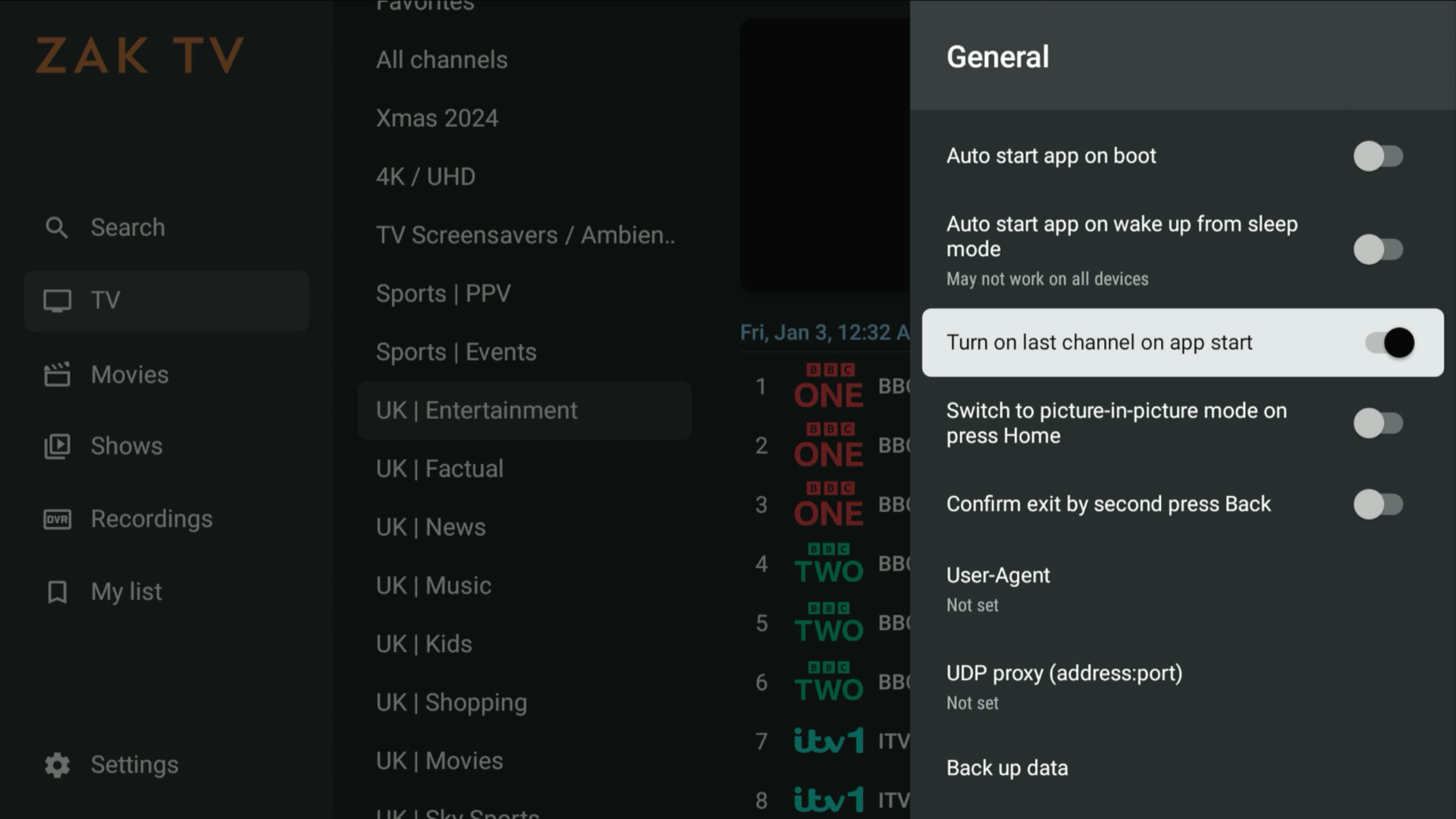
Turning on the last channel on App Start
Resume exactly where you left off:
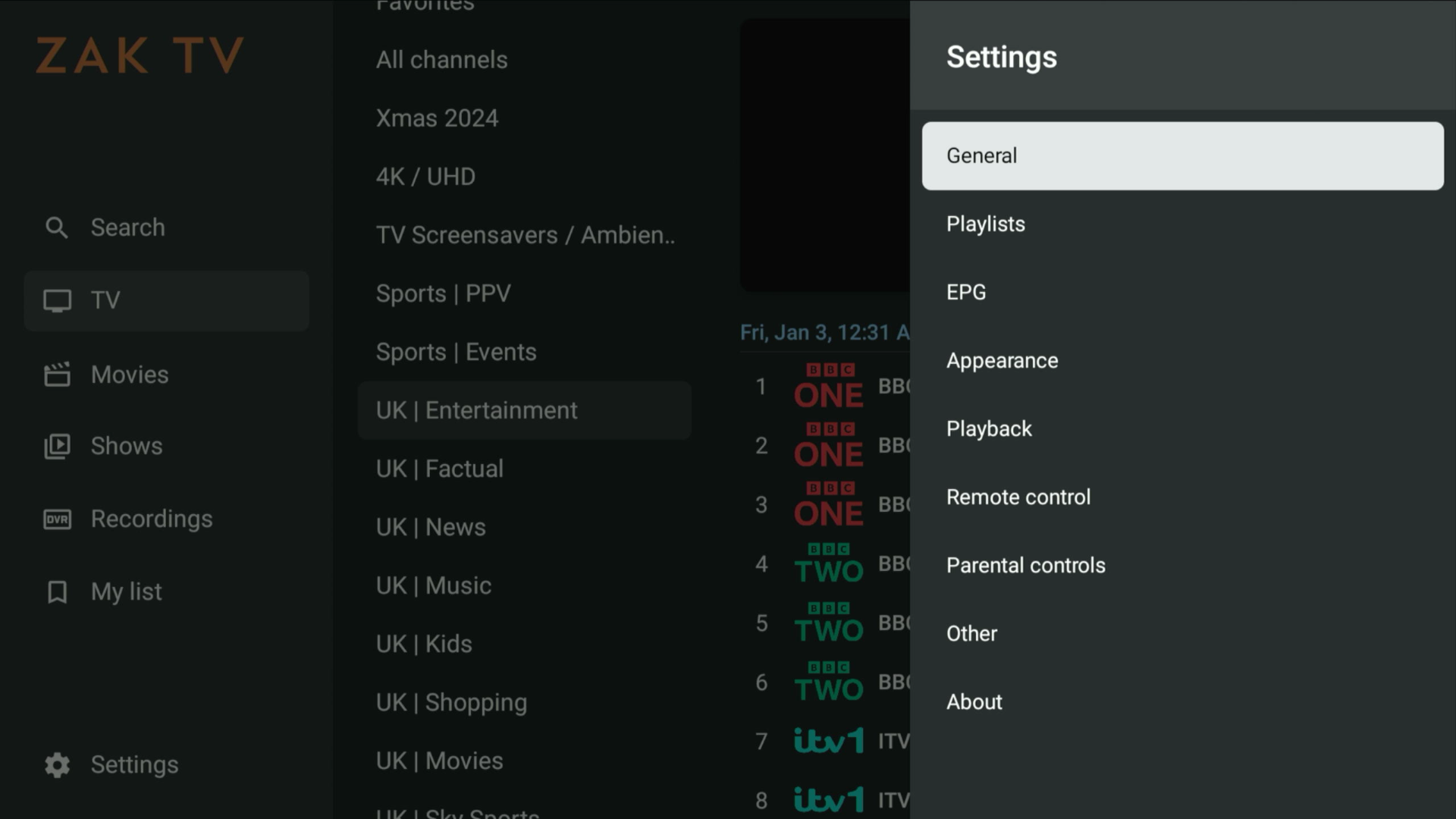
- Go to Settings > General.
- Enable the option to start the app with the last channel viewed.
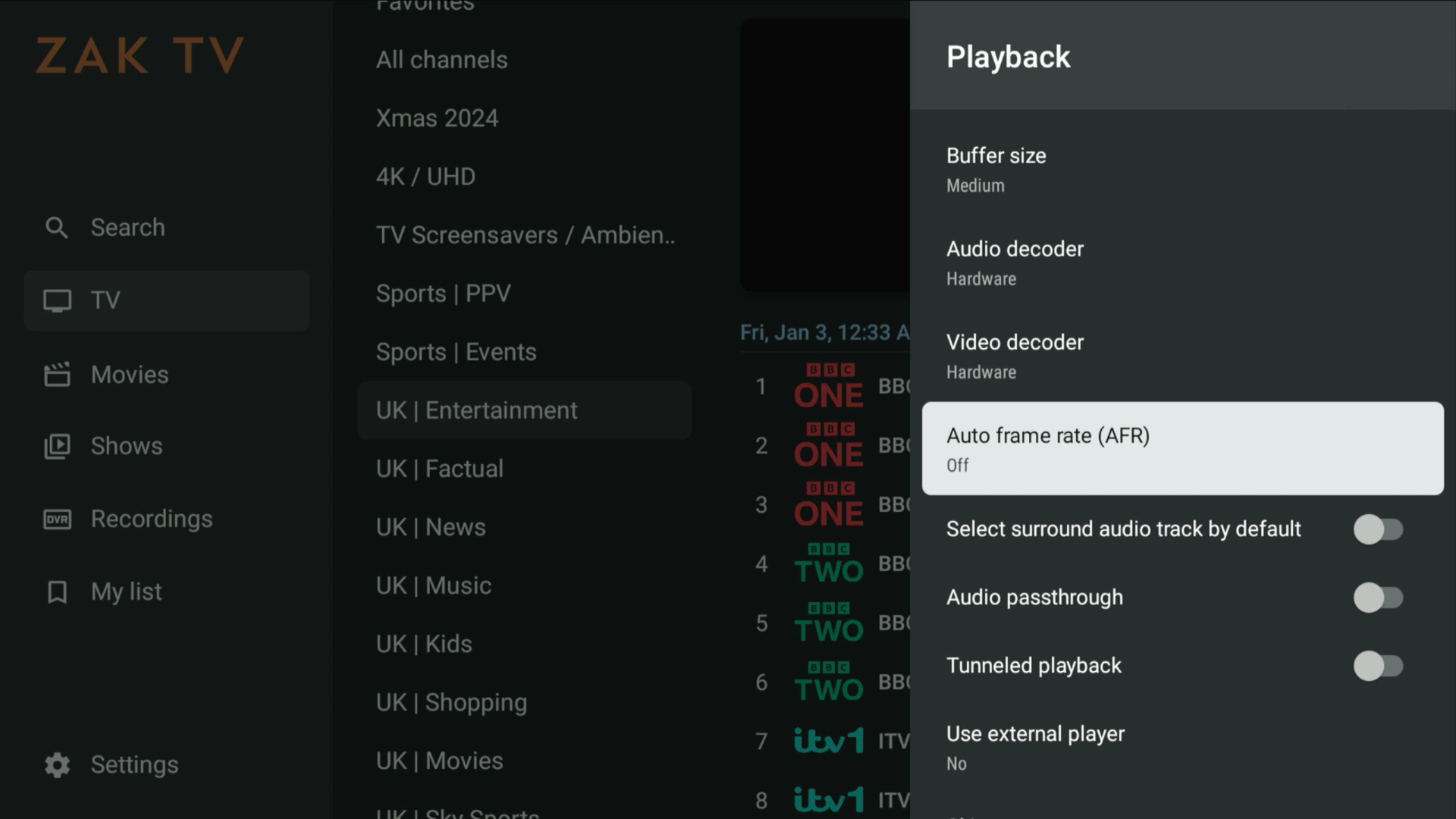
Auto Frame Rate (AFR)
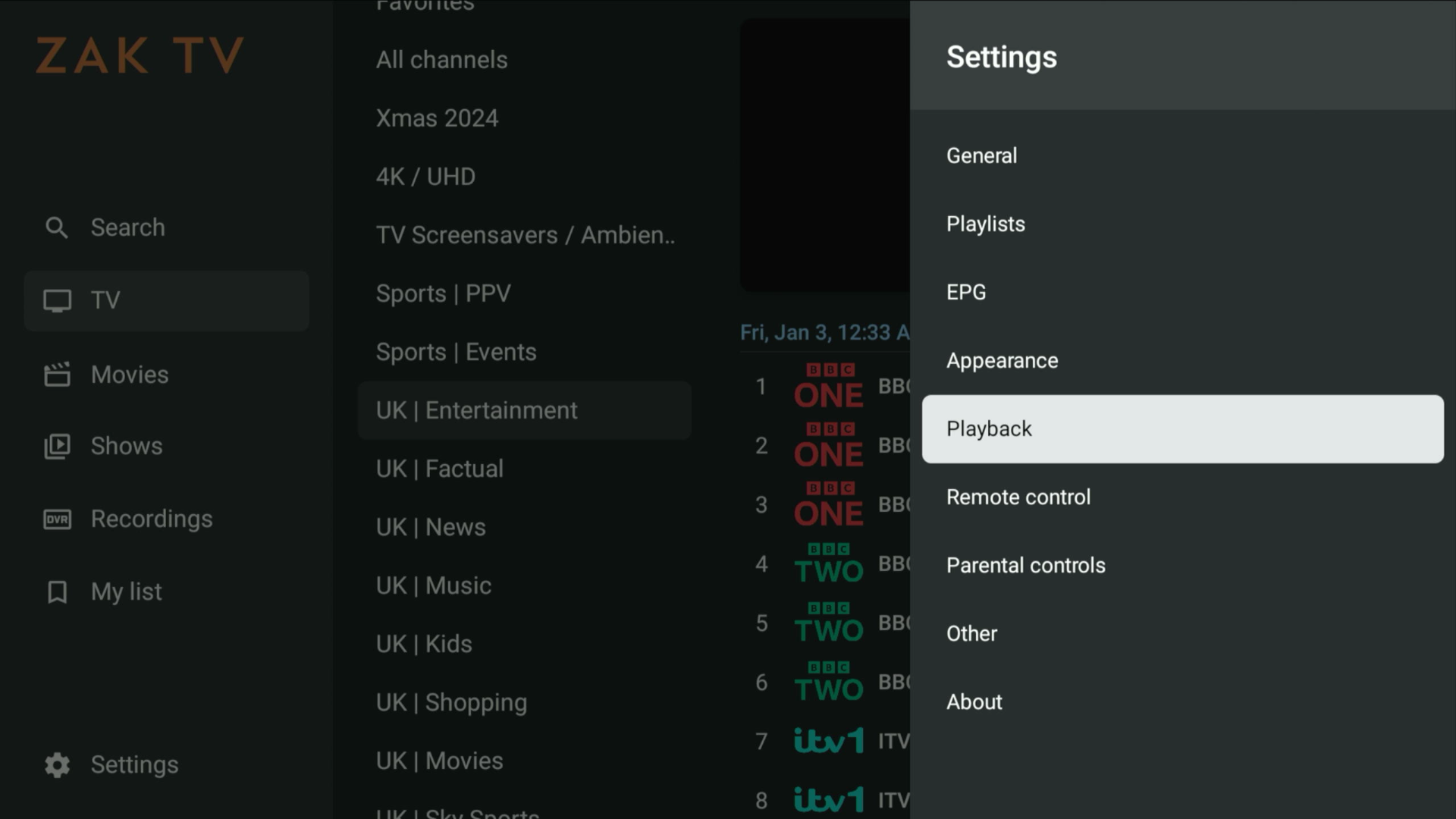
Enhance playback quality with Auto Frame Rate:
- Go to Settings > Playback.
- Turn on Auto Frame Rate (AFR).
Enjoy the advanced features of ZAK TiviMate to customize and optimize your TV experience!